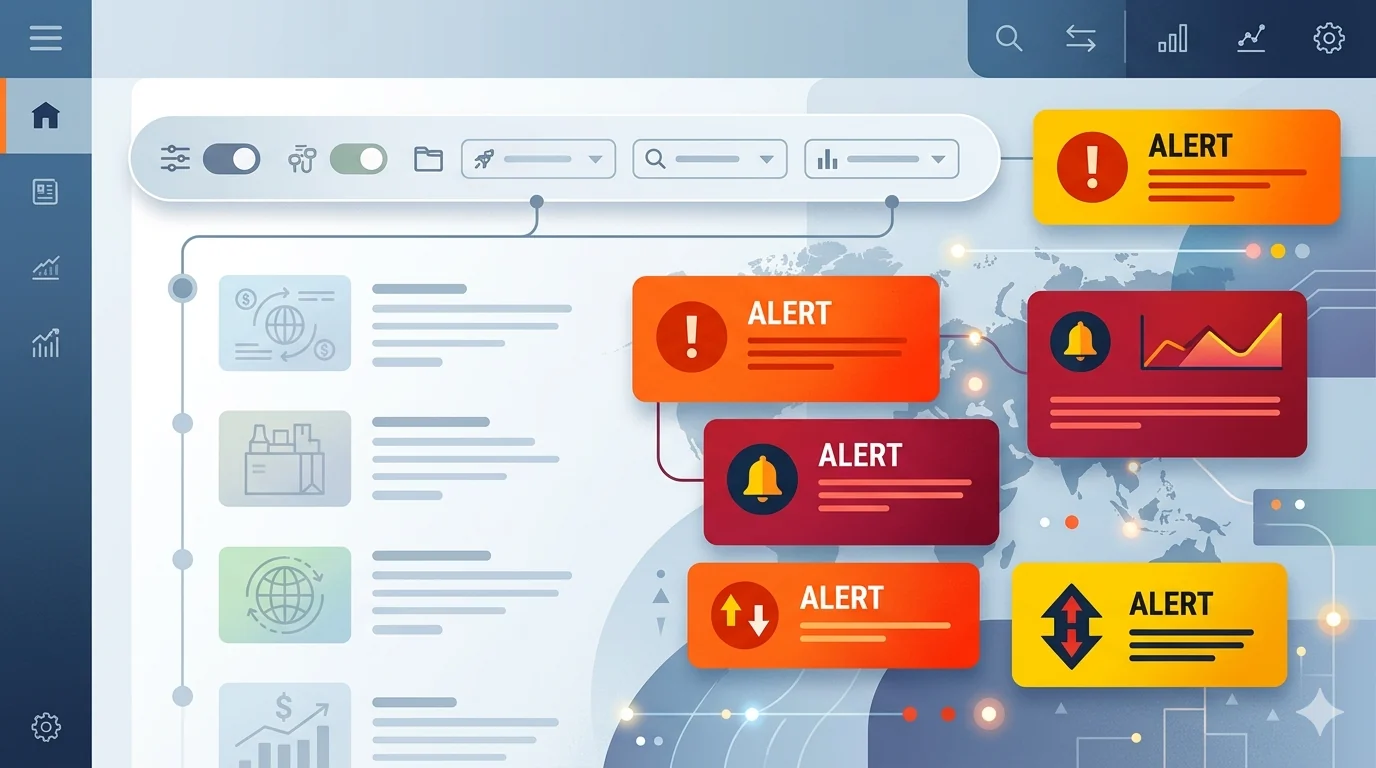
Tariff and trade-war headlines can dominate every feed during policy-heavy cycles. If you feel overloaded, you do not need to stop reading news. You need a smarter filter strategy that cuts repetition while preserving essential updates.
Why Trade-War Coverage Feels Unavoidable
Economic policy stories spread across finance media, political media, and social commentary at the same time. The result is high duplication and emotionally charged framing.
Keyword filtering helps reduce the duplicate framing layer while letting core policy updates stay visible.
Create Three Trade-News Keyword Buckets
- Noise bucket: panic and sensational framing terms.
- Policy bucket: official update terms you still want to see.
- Temporary bucket: topics to mute for short periods during overload.
Examples of Terms to Start With
Noise terms:
- market chaos
- economic collapse now
- panic selloff
Policy terms to keep visible on trusted sources:
- official tariff schedule
- trade ministry statement
- customs policy update
Use Site Exceptions to Preserve Signal
Set strict filters on social and aggregate feeds where reposted panic content is high. Keep lighter settings on one or two trusted outlets that provide source documents and policy context.
This keeps you informed without exposing you to nonstop emotional repetition.
Schedule-Based News Intake Works Better
Tariff/trade topics can trigger compulsive checking. Scheduling helps break that cycle:
- Work hours: strict noise filters on
- Short evening window: broader review for key updates
- Weekend review: analyze bigger trends once, not every hour
How Often to Refresh Trade-War Keyword Lists
During intense weeks, refresh every 2 to 3 days. During calmer periods, weekly maintenance is enough. Update terms as language shifts from tariffs to related trade negotiations or retaliation cycles.
Avoid Two Common Mistakes
- Filtering all economic terms and missing important policy signals
- Using only broad generic words that produce false positives
Use phrase-level filters and site exceptions to stay precise.
Role-Based Filtering Packs (Importers, Investors, General Readers)
Not everyone needs the same trade-news detail level. Tune filters by role:
- General readers: filter high-drama framing, keep core policy terms
- Investors: keep macro indicators, filter duplicate commentary loops
- Import/export operators: keep tariff codes and customs updates, filter political noise
Role-based tuning keeps the feed useful for decisions, not just calmer emotionally.
Event-Day Playbook for Major Trade Announcements
- Activate strict social-feed filtering immediately.
- Temporarily whitelist only trusted policy sources.
- Capture key updates in one review session instead of constant checking.
- After the event, move terms from temporary to permanent groups only if repetition remains high.
This avoids panic-driven browsing while still preserving decision-critical information.
Final Take
You can reduce tariff and trade-war stress without going uninformed. The key is controlled exposure: filter repetitive framing, keep primary-source updates, and review on your schedule.
If political content is also overwhelming your feeds, continue with 2026 Political Content Filter Setup for Chrome.
Filter Everything Online helps you control trade-war headline overload using keyword groups, schedules, and trusted-site exceptions.
Need a related setup? Read 2026 Political Content Filter Setup for Chrome.
Try It Now