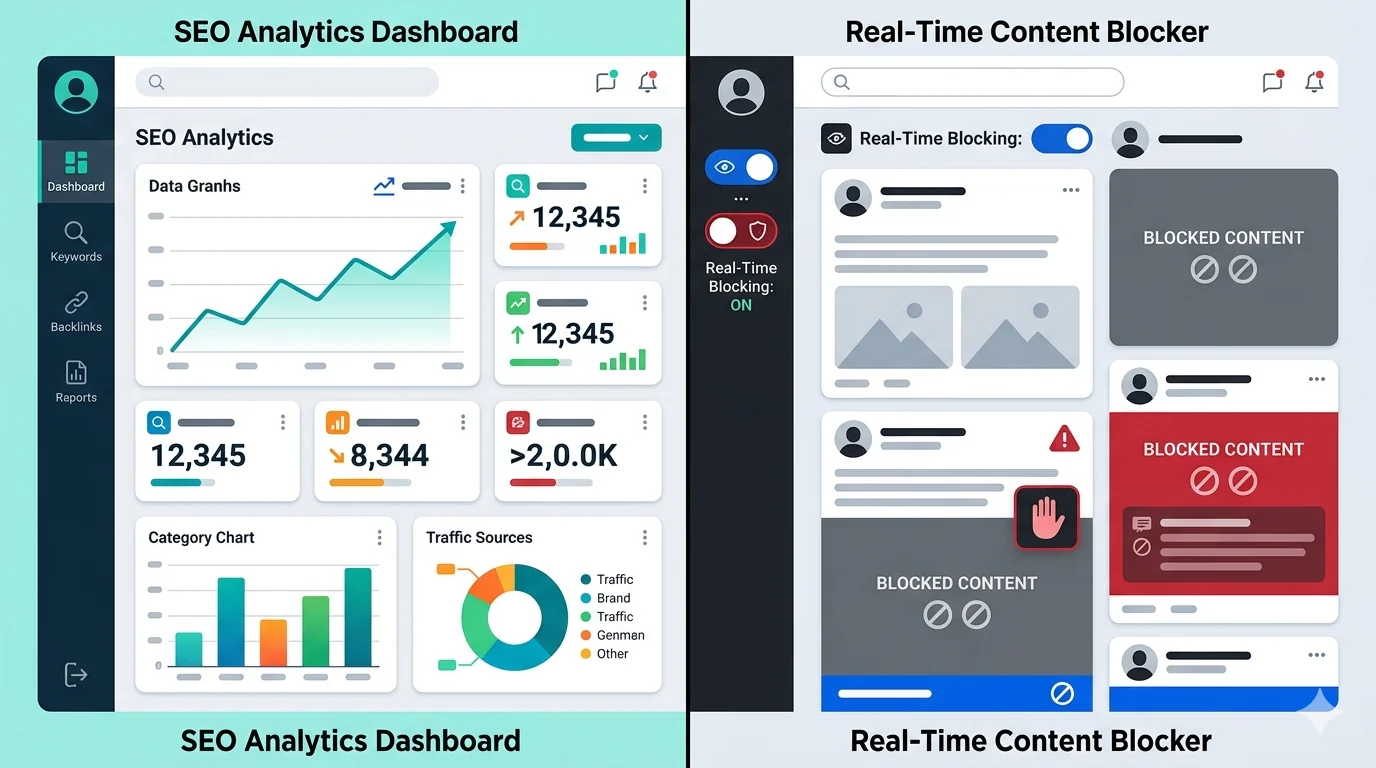
If you searched for a way to hide distracting topics and landed on SEO keyword tools, you are not alone. Many users confuse Keywords Everywhere with keyword blockers because both include the word “keyword.” They solve different problems.
What Keywords Everywhere Is Built For
Keywords Everywhere is a keyword research and SEO workflow tool. It helps marketers and publishers with:
- Search volume analysis
- CPC and related query data
- Content planning and SERP research
It is useful for SEO campaigns. It is not designed to hide content from social feeds or news pages.
What a Keyword Blocking Extension Does
A keyword blocker runs during browsing and removes or replaces matching phrases in real time. This is what users need when they search terms like:
- hide content by keyword
- content filter extension
- keyword blocking extension
Quick Side-by-Side Comparison
- SEO keyword tool: research and analytics
- Keyword blocker: real-time filtering while browsing
- SEO keyword tool: campaign planning
- Keyword blocker: focus, safety, and attention control
Which Tool Should You Use?
Use an SEO keyword tool if your goal is ranking pages in search engines. Use a keyword blocking extension if your goal is cleaning up online content in feeds, comments, and news pages.
Some people use both, but for totally different tasks.
What to Look For in a Real Keyword Blocker
- Custom keyword groups
- Scheduled filtering by day and time
- Site-specific exceptions
- Hide/replace modes
- Usage stats for ongoing optimization
Without these features, long-term filtering quality usually drops.
Common Mistake That Costs Time
Users often install a research plugin expecting feed cleanup, then assume “keyword filtering does not work.” In reality, they installed the wrong category of tool for their goal.
Decision Tree in 60 Seconds
Use this quick test:
- If your goal is ranking content in Google: choose an SEO keyword tool.
- If your goal is hiding unwanted feed content: choose a keyword blocking extension.
- If you do both jobs: run both tools, but for separate workflows.
Clarity on intent prevents wasted setup time.
Can You Use Both Together?
Yes. Many power users do. Keep SEO research tools in campaign workflows and keep content blockers in browsing workflows. Do not mix configurations.
A practical setup is: research keywords in dedicated SEO sessions, then switch to filtering profiles for focused browsing and daily work.
Final Take
Keywords Everywhere is valuable for SEO research. Keyword blocking extensions are valuable for attention control. Once you match the tool to the task, results improve immediately.
If you want a full buyer-style checklist next, read Best Keyword Filter Extension for Chrome, Edge, and Brave (Real Use Cases).
Filter Everything Online is designed for real-time keyword blocking across websites, with schedules and exceptions that help you keep the web usable and cleaner.
Need a related setup? Read Best Keyword Filter Extension for Chrome, Edge, and Brave.
Try It Now