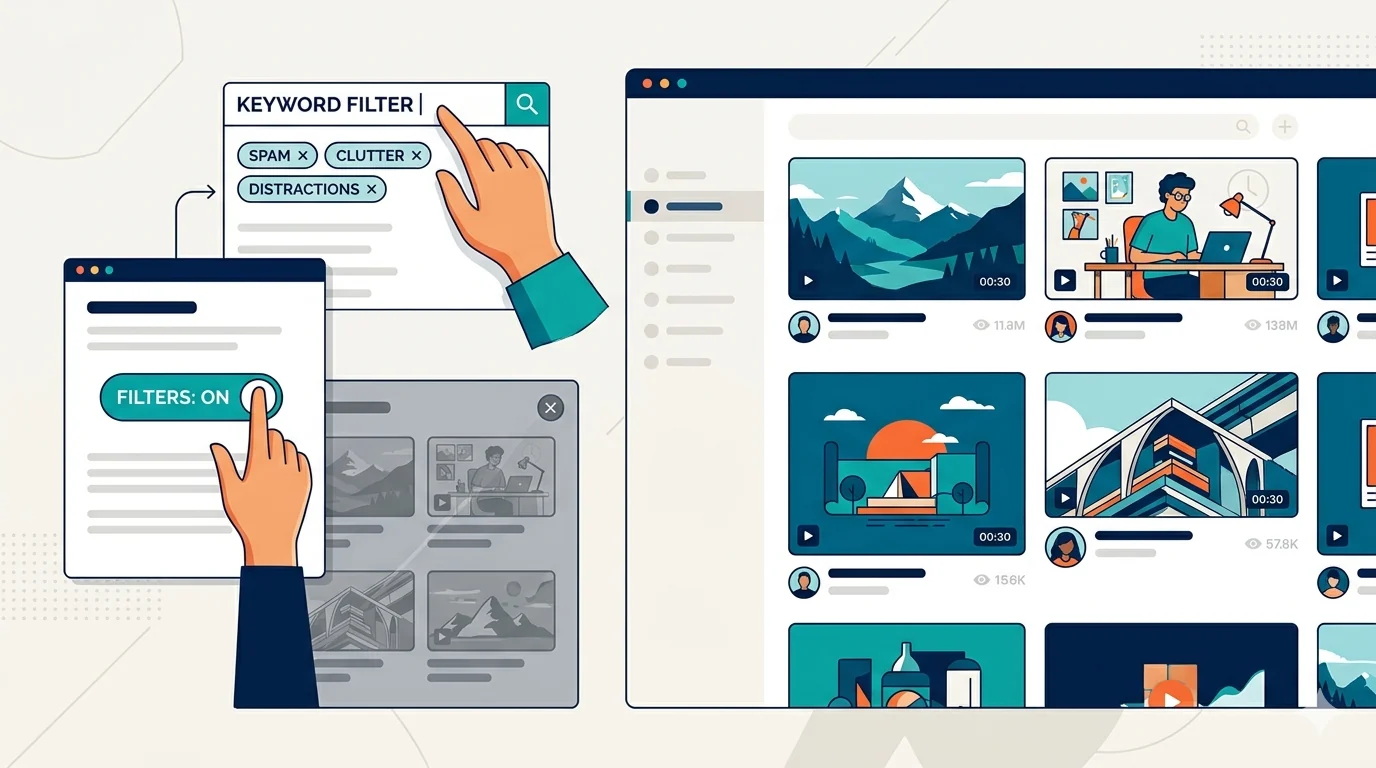
If your YouTube homepage feels like a mix of ragebait, spoilers, and click-heavy noise, you are not alone. Most people searching for a YouTube content filter extension do not want to quit YouTube. They want to keep the useful content and hide the chaos.
If you are still building your broader keyword plan, use our guide to what blocked keywords users filter most as your starting point.
Why YouTube Recommendations Spiral So Fast
YouTube learns from every watch, hover, and click. One accidental curiosity click can shift your recommendations for days. This is why manual channel muting often fails. You need keyword-level filtering that targets patterns, not just individual videos.
What to Filter First on YouTube
Start with high-frequency low-value content categories:
- Spoilers and leak terminology
- Outrage and conflict hooks
- Misleading financial bait and scam language
- Repetitive creator drama headlines
Quick YouTube Filtering Setup (5 Minutes)
- Create keyword groups: Spoilers, Ragebait, Scams, and Drama.
- Add 10 to 15 terms in each group to start.
- Set filtering mode to hide (or replace if you prefer visible placeholders).
- Enable stricter filtering during work or study hours.
- Review filtered results weekly and refine.
Best Keyword Ideas for YouTube Filtering
- ending explained, spoiler, leak
- destroyed, exposed, must watch
- guaranteed gains, crypto giveaway
- drama update, beef
How to Avoid Overblocking
Too many broad terms can hide useful content. If you add words like news or review, you may filter out channels you actually want. Use phrase-level terms and keep lists grouped by intent.
Site-specific exceptions are also important if you use the same keyword engine on other websites. YouTube should have its own tuned logic.
Use Scheduling to Protect Focus
Scheduling is one of the highest-impact features for YouTube users. During deep-work windows, strict filters stay on. After work, you can loosen rules and keep entertainment content available.
This gives you control without requiring hard bans that are impossible to sustain.
Track Progress With Filtering Stats
The fastest way to improve your setup is simple: review blocked counts once a week. Remove terms that overblock. Expand groups where noise still gets through. Within two to three iterations, your feed quality usually improves significantly.
Keyword Filtering vs Channel Muting on YouTube
Channel muting helps when one creator is the problem. Keyword filtering helps when the entire topic is the problem. In practice, most users need both:
- Mute a handful of repeat channels
- Filter topic-level phrases that appear across many channels
- Keep a small allowlist of trusted educational creators
This layered strategy gives cleaner recommendations without overblocking your useful subscriptions.
Related Keyword Filter Guides
- Compare keyword filter extension features
- Clean up Reddit with a keyword filter
- Review privacy-first filtering details
A 14-Day Optimization Loop
Do not judge your setup after one day. YouTube recommendation behavior has momentum. Use this short loop:
- Days 1 to 3: apply strict starter groups.
- Days 4 to 7: remove false positives, add missed spam variants.
- Days 8 to 14: tune schedules and exceptions by real usage patterns.
By week two, most users see a clear reduction in low-value recommendations.
Final Take
A good YouTube filter setup is not about censorship. It is about reducing attention theft. Keep the creators and topics you value. Hide the patterns that waste your time.
If you also use Reddit frequently, continue with how to clean up your Reddit feed and comments.
Filter Everything Online helps you apply YouTube keyword filtering with groups, schedules, and site-specific controls so your recommendations stay useful.
Need a related setup? Read How to Clean Up Your Reddit Feed and Comments - For Good or see what to compare in a keyword filter extension.
Try It Now