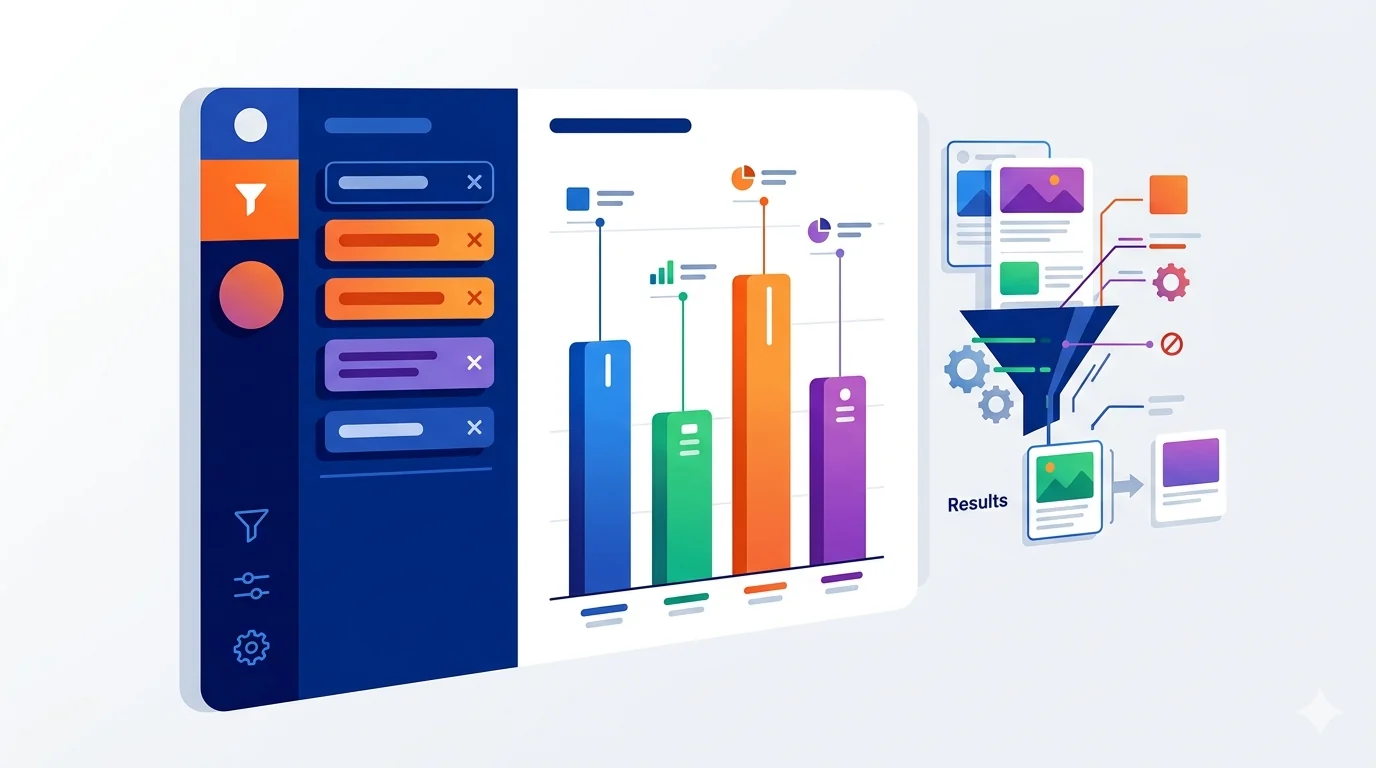
Blocked keywords are words or phrases you tell a filter extension to hide, remove, or replace when they appear on a page. If you are wondering what blocked keywords are or which keywords to block first, start with recurring topics, spoilers, insults, scam phrases, and ragebait patterns instead of single broad words.
Quick answer: blocked keywords are reusable words or phrases that signal content you do not want to see. The best starter list uses specific phrases for recurring noise—such as spoilers, scams, ragebait, or harassment—so you can filter a topic without hiding every page that mentions a broad word.
Privacy note: this is category-level trend insight, not personal user data.
What Are Blocked Keywords?
They are the building blocks of keyword filtering. You create a list, group related phrases together, and let the extension watch for matches across the websites you use. This is why blocked keywords are useful for YouTube cleanup, Reddit cleanup, social media filtering, profanity filtering, and news-stress filtering without blocking those sites entirely.
If you are still building your first setup, start with our keyword filter extension guide, then tune each list with site-specific rules.
10 Common Keyword Categories to Block First
The most common blocked keywords to start with are usually phrase clusters, not isolated words. These category-level groups are easier to manage and less likely to overblock useful content.
- Political outrage and ragebait phrases
- Celebrity gossip loops
- Profanity and harassment clusters
- Crypto scam and fake-investment language
- Sports spoiler terms
- Doomscrolling headline patterns
- Influencer drama terms
- Clickbait conflict hooks
- Conspiracy trigger phrases
- AI-generated spam wording
Why These Categories Dominate
Most users are not trying to sanitize the internet. They are trying to reduce repetitive low-value inputs that hijack mood and attention. These categories appear across multiple platforms, which is why they become high-priority filters.
How to Use This List Without Overblocking
- Start with category groups, not hundreds of random terms.
- Add phrase-level keywords first, then narrow if needed.
- Use site-specific exceptions where context matters.
- Run weekly reviews and trim false positives.
Best Keywords to Block First
The best keywords to block are usually not single broad words. They are repeated phrases that signal a type of content you already know you do not want.
- Use phrase-level ragebait terms instead of generic political words.
- Use spoiler phrases tied to your shows, games, or sports interests.
- Use scam language that repeats across channels and comment sections.
- Use creator-drama and clickbait hooks that show up across multiple platforms.
Once those groups are working, expand them for your YouTube content filter, your Reddit keyword filter, and your privacy-first filtering workflow.
Sample Starter Terms by Category
Outrage: destroyed in debate, absolute meltdown
Celebrity gossip: dating rumors, celebrity feud
Profanity and harassment: go kill yourself, you are worthless
Scams: guaranteed gains, send wallet now
Sports spoilers: full-time result, championship winner
Doom headlines: total collapse, panic now
Influencer drama: exposes everything, public apology
Clickbait conflict: you won't believe, the truth about
Conspiracy triggers: they don't want you to know, hidden agenda
AI spam: prompt used, copy this prompt
How Often You Should Update Your Lists
Fast-moving categories like AI spam and political content can shift weekly. Slower categories like profanity might only need monthly review. The best system is a short recurring maintenance rhythm:
- Weekly: review top filtered terms.
- Bi-weekly: add new trend phrases.
- Monthly: clean up broad terms that overblock.
Turn Data Into Better Focus
Lists built from actual usage patterns outperform guesswork. Start with known high-noise categories, then personalize based on your own environment.
How to Turn Category Data Into a 30-Day Plan
If you are starting from scratch, avoid adding all categories at once. Roll out in phases:
- Week 1: add one productivity category and one stress category.
- Week 2: add profanity/safety categories if needed.
- Week 3: refine with site exceptions.
- Week 4: clean false positives and lock stable groups.
This staged approach keeps filtering usable and reduces abandonment.
What Experienced Users Do Differently
Experienced users do not chase every trending keyword. They focus on recurring pattern categories that repeatedly cost attention. They also review filtering stats, not gut feeling, before changing rules.
That discipline is why their feeds stay clean over months, not days.
Frequently Asked Questions About Blocked Keywords
What are blocked keywords?
Blocked keywords are the words or phrases you tell a filter to hide, remove, or replace when they appear on a page.
What are the best keywords to block first?
Start with repeated phrases tied to spoilers, scams, harassment, ragebait, or recurring distractions instead of single broad words.
How do I avoid overblocking?
Use phrase-level filters, keep categories separate, add site-specific exceptions, and review false positives weekly.
Final Take
The most-blocked keyword categories reveal a simple truth: users want control over attention, not censorship. With structured groups, site-specific rules, and ongoing tuning, keyword filtering becomes a durable habit instead of a temporary experiment.
If you want to compare tool capabilities next, read Best Keyword Filter Extension for Chrome, Edge, and Brave, then continue with our YouTube guide or Reddit guide.
Filter Everything Online gives you keyword groups, schedules, site-specific exceptions, and filter stats so your setup can evolve from real results instead of guesswork.
Need a related setup? Read Best Keyword Filter Extension for Chrome, Edge, and Brave or review our privacy-first filtering guide.
Try It Now