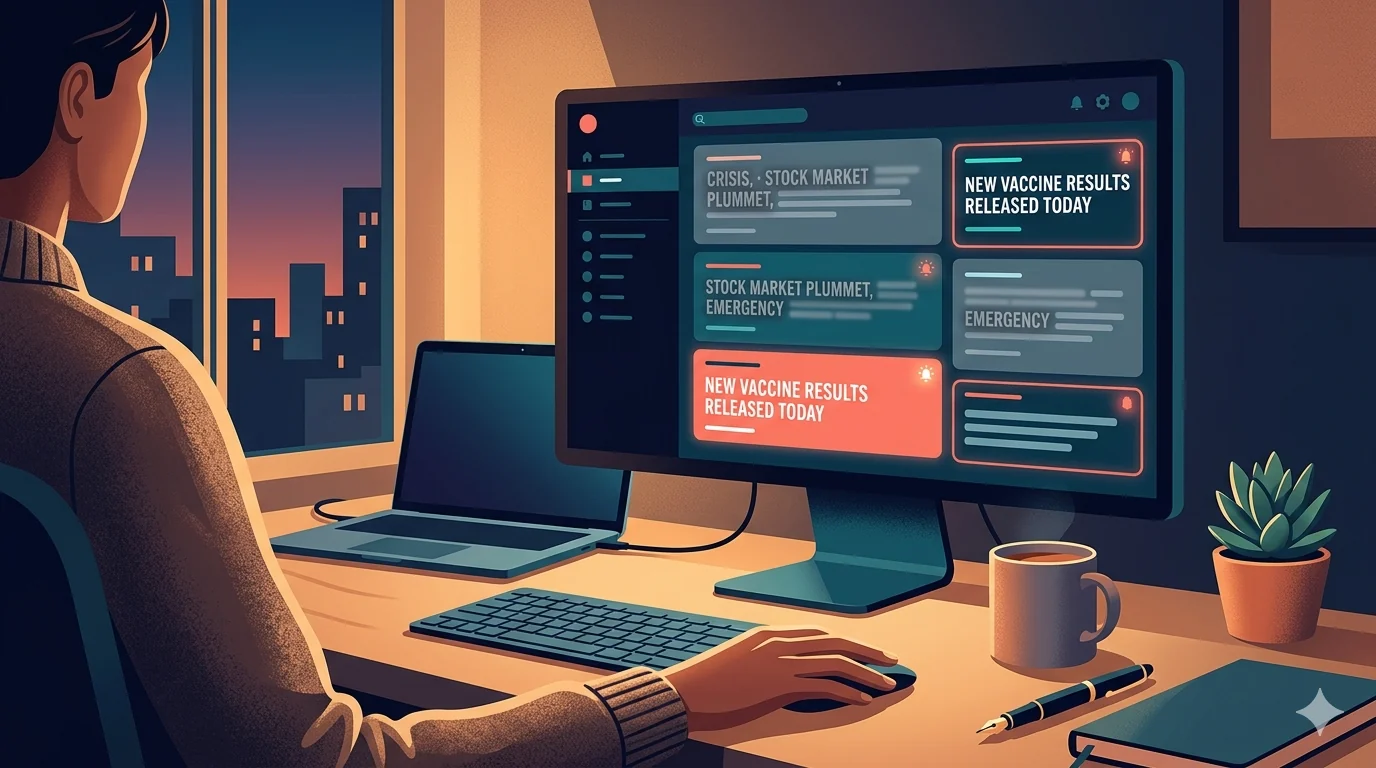
You can stay informed without being overwhelmed. If you are searching for ways to avoid doomscrolling news, keyword filtering is one of the most practical tools: reduce repetitive stress triggers while still seeing genuinely important updates.
Filtering News Is Not the Same as Ignoring News
The goal is not to disconnect from reality. The goal is to remove duplicate emotional noise so your attention goes to information that is actually useful.
Most high-stress feeds repeat the same framing dozens of times. Filtering gives you control over that repetition.
Build Three Keyword Buckets
- Always-filter: topics that consistently harm your focus or mood right now.
- Temporary-filter: terms to mute for a week or month during intense cycles.
- Watchlist: terms you want only on trusted sources via exceptions.
This structure prevents overblocking while still reducing stress.
Use Site-Specific Exceptions for Trusted Outlets
Apply stricter filters on social feeds and aggregation pages where duplication is highest. Keep lighter rules on one or two trusted publications where context and quality are better.
This is the key to balancing mental health with staying informed.
Schedule Your News Exposure
A schedule-based approach works better than constant filtering or constant exposure:
- Morning: strict filters on
- Workday: strict filters stay on
- Evening: short, intentional review window
Most people report lower anxiety when they move from reactive checking to scheduled checking.
Keyword Examples for News Stress Control
- breaking outrage
- panic update
- market chaos
- viral political clip
Start narrow and adjust based on what your feed actually shows.
Weekly Review Process (10 Minutes)
- Check which terms were filtered most.
- Remove terms that blocked useful reporting.
- Add new repeat phrases from current cycles.
- Update exceptions if needed.
Without reviews, filters degrade. With quick weekly reviews, they get better every week.
When to Tighten vs Loosen Filters
Tighten when stress spikes and attention drops. Loosen when events stabilize and you need broader context. Your filtering setup should reflect your capacity, not a fixed rule forever.
Crisis-Mode Protocol for Heavy News Days
On major breaking-news days, normal rules can fail because coverage volume explodes. Use a temporary crisis mode:
- Switch to strict filter profile for social and aggregation feeds.
- Whitelist one or two trusted primary sources.
- Limit checks to scheduled windows only.
- Return to standard mode after 24 to 72 hours.
This prevents emotional overload while preserving essential updates.
How to Know Your Filters Are Too Aggressive
If you repeatedly miss practical updates you needed for decisions, your watchlist rules are too strict. A healthy setup should reduce anxiety without reducing situational awareness.
A good benchmark is this: you should feel calmer, but still informed enough to act when necessary.
Final Take
You do not need to choose between “consume everything” and “avoid everything.” Keyword filtering lets you build a middle path that protects your attention and still keeps you informed.
If tariff headlines are your current trigger, read How to Filter Tariff and Trade-War Headlines Without Missing Critical News.
Filter Everything Online helps you create calmer, more intentional news consumption with keyword groups, scheduling, and trusted-site exceptions.
Need a related setup? Read How to Filter Tariff and Trade-War Headlines.
Try It Now